
AI is changing business fast.
Tasks that once took hours can now be completed in minutes. Marketing campaigns are becoming more efficient. Customer support is getting smarter. And businesses that embrace AI are finding new ways to grow without increasing their workload.
But one thing hasn’t changed:
If you have the right tools, you can still attract more customers, improve productivity, and grow your business faster.
Not by chasing trends. By working smarter, making better decisions, and focusing on what actually drives results.
The best AI marketing tools help you do exactly that. Like:
- Automate repetitive tasks
- Create content faster
- Improve customer engagement
- Generate more leads and increase sales
These are the tools I recommend for Nigerian businesses looking to get more done with less effort.
The best part?
These tools work GREAT for businesses of all sizes. No matter your business size.
In a recent Reddit thread on r/MarketingAutomation, marketers were asked which AI tools they’ve actually used and loved. The responses were honest, sometimes contradictory, and surprisingly useful. I’ve pulled the most relevant insights throughout this guide so you can see how real users feel about these tools, not just what the marketing pages say.
So, let’s get started.
1. Semrush
Best for growing your SEO (and AI) visibility
Pricing: From $117.33 per month billed annually; limited free plan available
Semrush has been one of the most powerful all-in-one SEO platforms for over a decade. I use it for competitor analysis, keyword research, backlink tracking, content performance, and PPC insights. In simple terms, it covers almost everything needed to run SEO at scale without needing multiple tools.
What makes Semrush even more important today is how it connects traditional SEO with AI search visibility. Alongside rankings on Google, I can now also see how a brand shows up inside AI-generated answers across major AI systems and LLM-based tools.
AI visibility does not replace SEO. It builds on it.
AI Feature Highlight: AI Search Visibility Insights
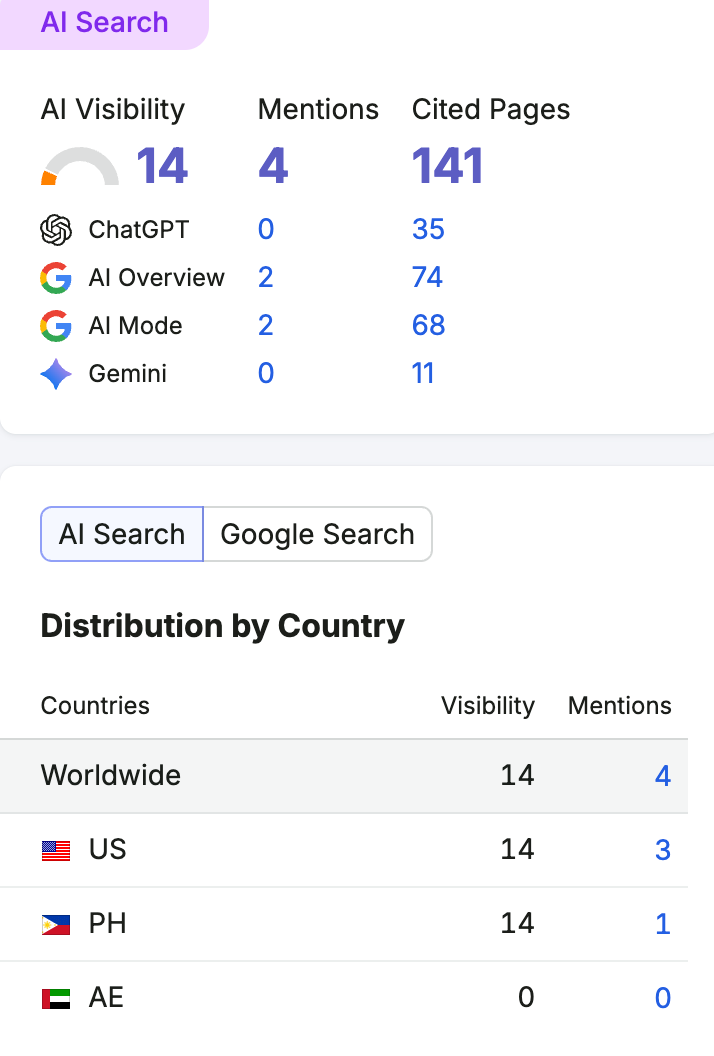
Semrush helps me understand how often a brand appears in AI-generated answers and how it compares with competitors across AI platforms.
Instead of only tracking search rankings, I can now track how AI tools mention, describe, and recommend brands.
Visibility Across AI Platforms
Semrush gives insights into how brands appear across major AI systems, including:
- ChatGPT
- Gemini
- AI Overview
- AI Mode
This helps me understand whether a brand is showing up when users ask real questions, like:
What is the best logistics company?
Which fintech app is most trusted?
What is the best marketing agency to hire?
Brand Performance Insights
I can also track how AI systems perceive a brand, including:
- How often the brand is mentioned
- Whether sentiment is positive or negative
- Which topics is the brand linked to
- How visibility changes over time
This makes it easier to see if a brand is being positioned correctly in AI-driven search results.
Competitor Research and Market Gaps
One of my most used features is competitor analysis. With Semrush, I can break down what competitors are doing in search and where their traffic is coming from.
For example, in the Domain Overview tool, I can analyze any website and see:
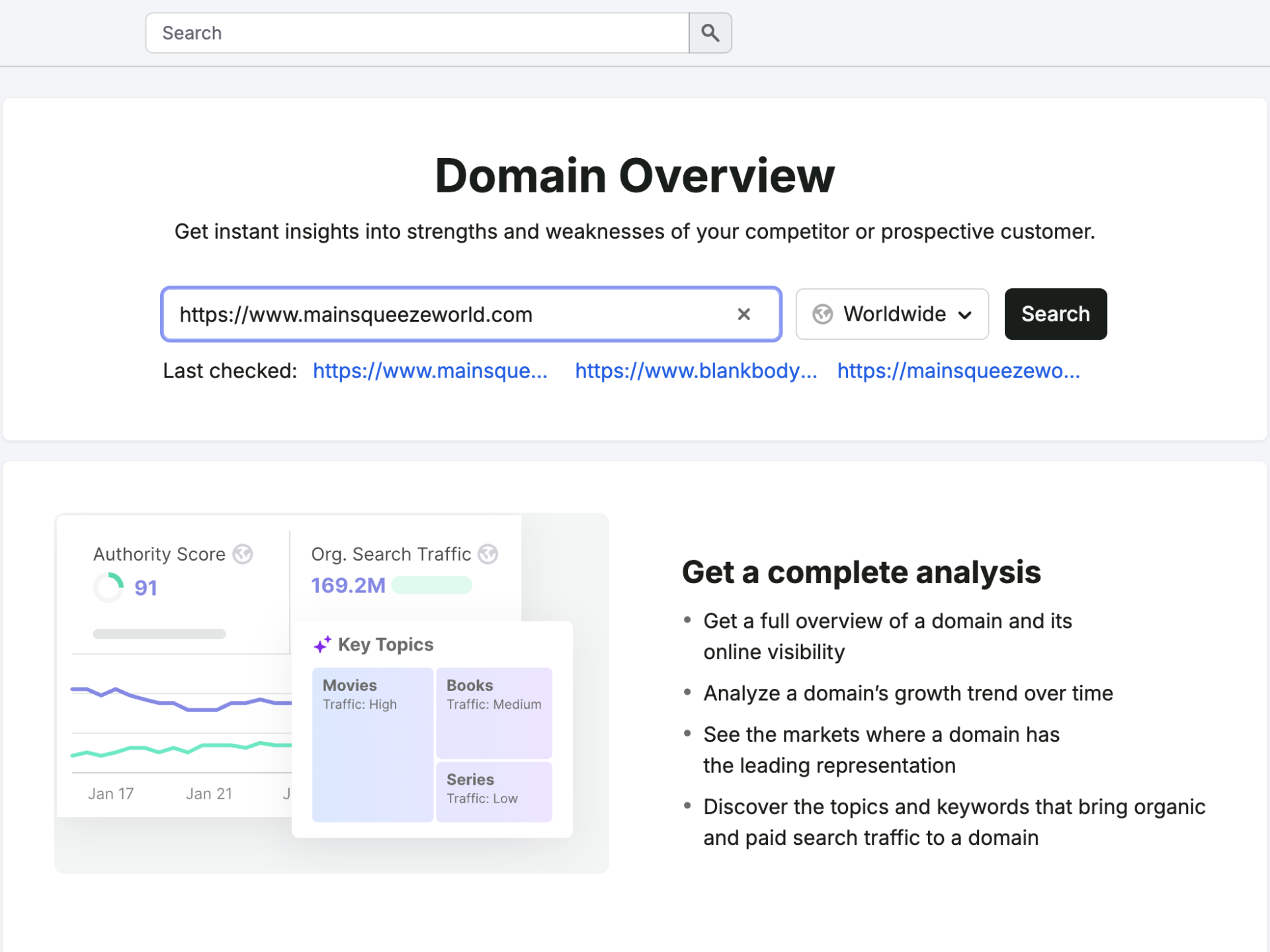
- Whether their organic traffic is growing or declining
- Which keywords are driving the most traffic
- How their rankings are distributed across the top positions
- Whether they depend more on branded or non-branded searches
This helps me quickly understand how strong a competitor really is in search.
If a brand relies heavily on branded traffic, it usually means their SEO performance is closely tied to their brand awareness rather than pure search demand capture.
Keyword and Topic Insights
I also use Semrush to understand which topics drive traffic for competitors. This helps me see how content strategies are structured in real markets.
Each topic can be broken down into subtopics and keywords, which shows:
- What users are searching for
- Which pages bring the most traffic
- How difficult it is to rank for those keywords
- Where content gaps exist
This is useful when planning new content because I can focus on topics that already show demand.
Why I Use Semrush for SEO and AI Visibility
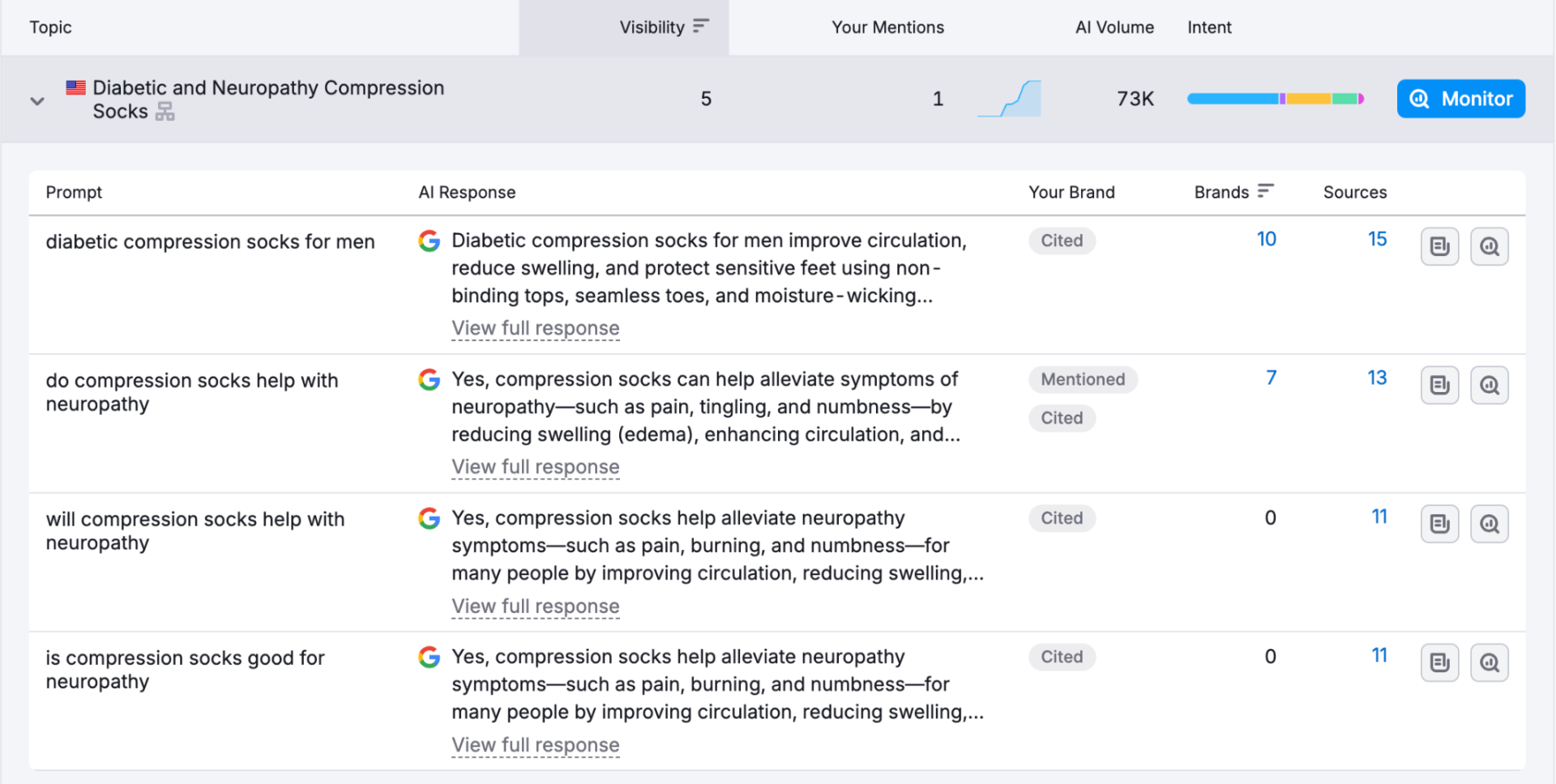
Many businesses still focus only on social media or paid ads. But I use Semrush because it helps me build long-term organic visibility.
It helps me:
- Find high-value keywords
- Understand competitors deeply
- Improve content strategy
- Track brand visibility in AI search
- Build long-term organic traffic
As AI-driven search continues to grow, understanding both SEO and AI visibility gives a clear advantage.
Pros
- Strong all-in-one SEO platform
- Deep competitor analysis tools
- Keywords, backlinks, and content intelligence
- AI visibility tracking across LLMs
- Useful insights for content strategy and growth
Cons
- Pricing can be high for small teams
- A lot of features can feel overwhelming at first
- Some AI visibility tools require higher-tier plans
Read More: 8 Marketing KPIs That Actually Matter [+ How to Track Them]
2. Copy.ai
Best for Marketing Copy and Sales Content
Pricing: $29/mo, billed monthly
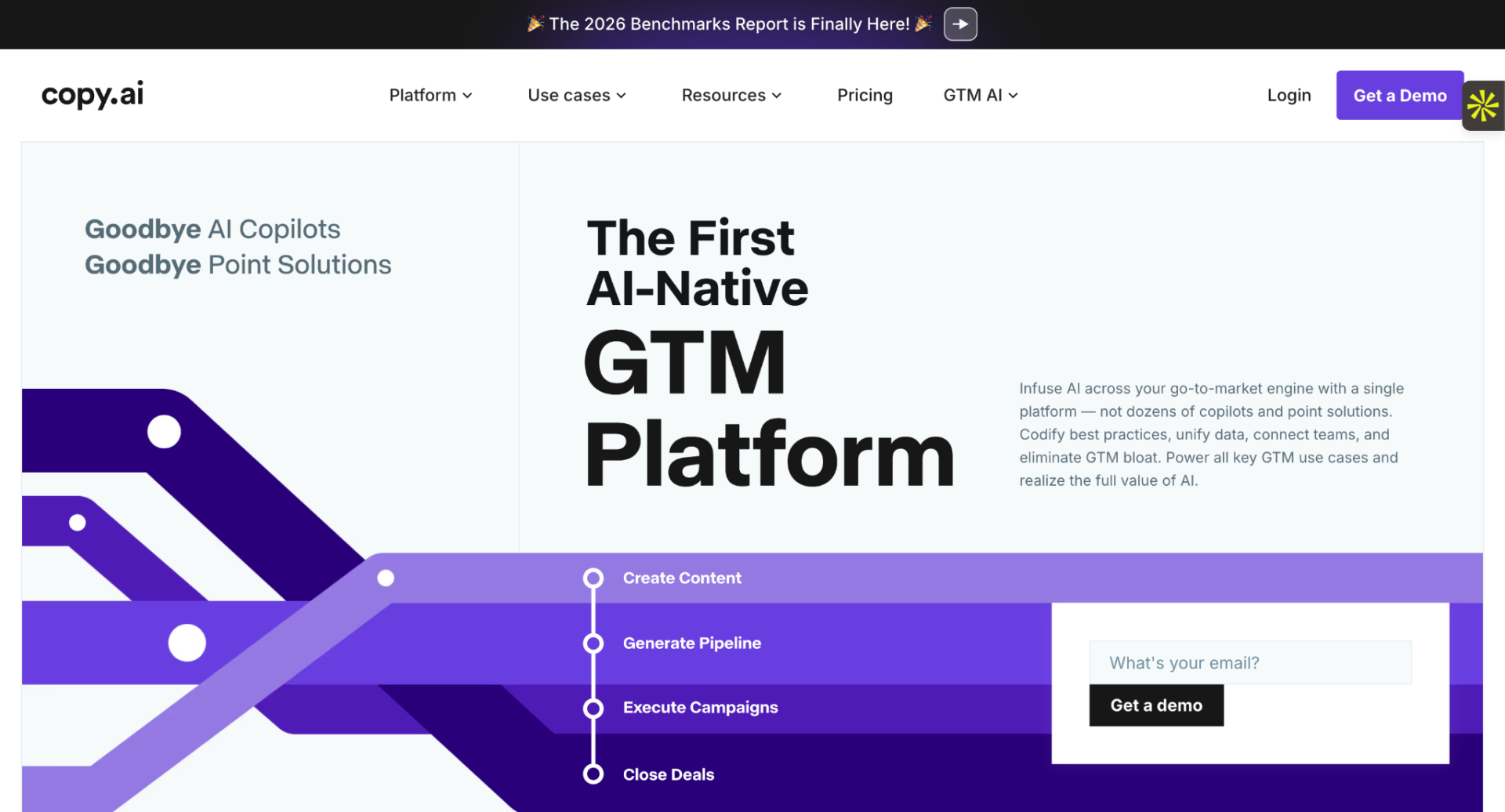
Creating marketing copy consistently can be difficult when I am managing multiple tasks at the same time. Copy.ai makes this process easier by helping me generate ready-to-use content in minutes instead of hours.
It helps me quickly produce high-quality marketing copy for different platforms, without starting from a blank page every time. This makes it much easier for me to stay consistent with content creation and promotions.
Create Marketing Copy Faster
Copy.ai helps me generate different types of content that I regularly need for marketing and sales.
This includes:
- Social media captions
- Product descriptions
- Marketing emails
- Advertising copy
- Landing page content
Instead of struggling with wording or tone, I can instantly get multiple content options and choose the one that fits my message best.
Content Variations for Campaigns
With Copy.ai, I can create multiple versions of the same message for different campaigns. This helps me test different tones and styles to see what works best with my audience.
I can also organize my content by use case, such as ads, emails, or product pages, which makes it easier for me to stay consistent across all marketing channels.
Nigerian Use Case
An online fashion retailer can quickly generate Instagram captions, promotional emails, and product descriptions for new collections without needing to hire additional writers. This helps save time and keeps marketing active even with a small team.
Track Your Copy Variations Over Time
I often compare different versions of the content I generate to see which one feels stronger or more engaging. Over time, this helps me understand what style of messaging works better for my audience and improves my future content decisions.
Why is this important?
Because marketing depends on clear and consistent communication:
A stronger version of a caption or email can lead to better engagement and more sales.
And if a message does not perform well, I can quickly adjust the tone, structure, or wording and try again with a new variation.
Spot and Improve Weak Copy
This is one of the most useful parts of my workflow. I can quickly identify which messages feel weak or unclear and replace them with better versions.
Instead of spending hours rewriting everything manually, I can generate improved copy in seconds and focus on refining my overall strategy.
Pros
- Fast generation of marketing copy for different use cases
- Multiple variations for testing and comparison
- Easy-to-use interface for beginners
Cons
- Can still require editing to match the brand voice perfectly
- May feel repetitive if prompts are not specific enough
- Limited deep customization for advanced users
Also Read: 10 Best Advertising Campaigns of All Time in Nigeria
3. Jasper AI
Best for Long-Form Content Creation
Pricing: Pro is $59 a month/seat; free trial available
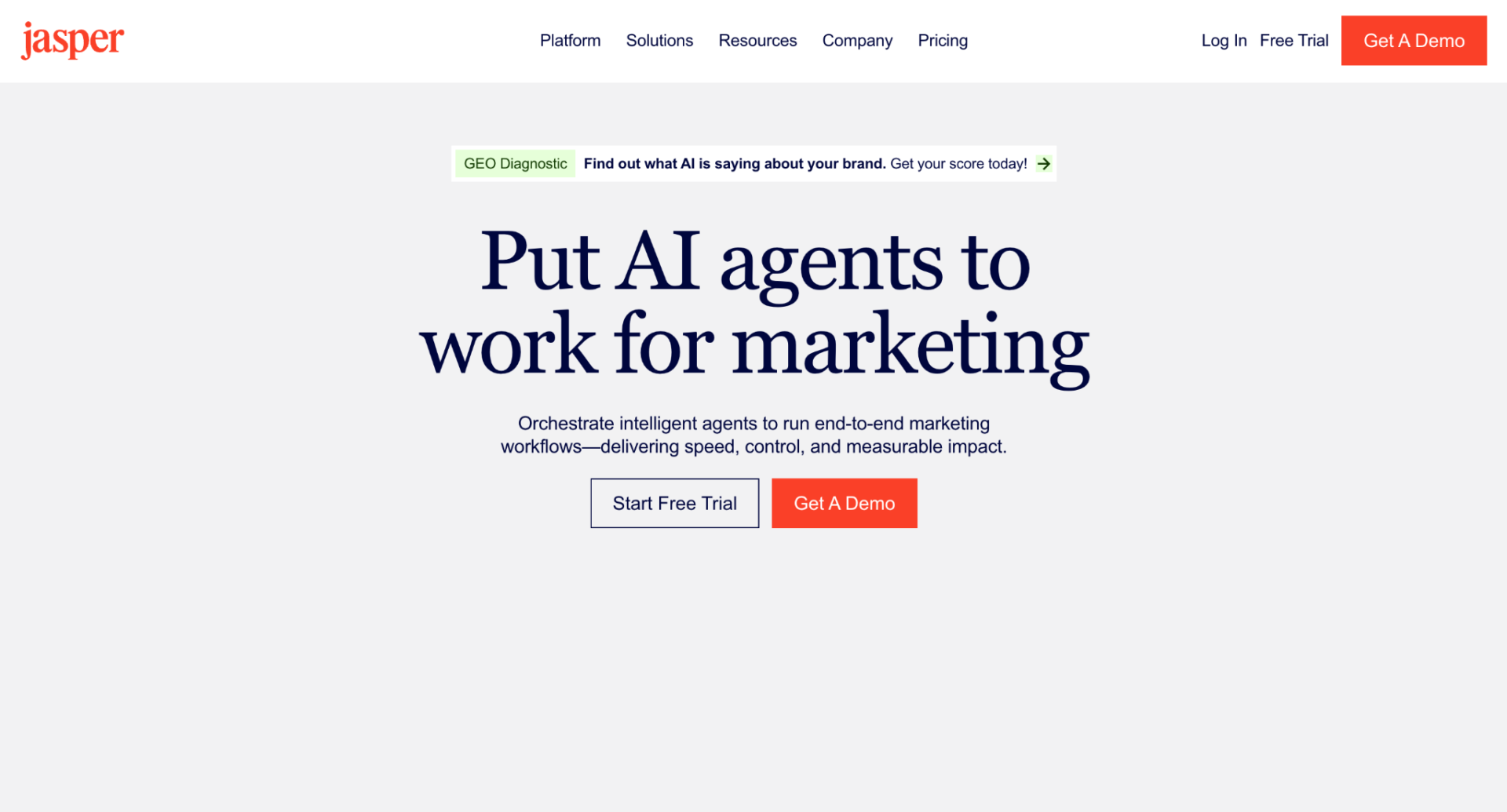
Jasper AI is a powerful writing assistant I rely on when I need to create long-form content that feels structured, clear, and consistent. I’ve seen how quickly it can turn simple ideas into complete articles, landing pages, and marketing campaigns without losing flow.
What makes Jasper AI stand out is how it helps maintain quality while scaling content production. It is not just about writing faster; it is about writing in a way that still feels natural and well-organized across many pages.
Jasper AI helps businesses create:
- Blog posts
- Website content
- Landing pages
- Educational resources
- Email campaigns
Unlike many AI writing tools that struggle with longer pieces, Jasper AI does a strong job of keeping structure intact from the introduction to the conclusion. I can start with a simple topic and still get a full draft that feels complete and usable with minimal editing.
Customize Your Content Strategy
One of the things I like most about Jasper AI is how flexible it is when shaping content. I do not always use it the same way. Sometimes I need a full blog post, and other times I just need sections like introductions, outlines, or product descriptions.
Most of the time, I either generate full long-form articles or break content into smaller parts that I can refine later.
But how do I decide which approach to use?
I have two scenarios:
If I’m building a full content campaign, I use Jasper AI to generate complete articles with headings, structure, and SEO-friendly flow.
But if I am improving existing content, I focus only on specific sections like headlines, meta descriptions, or email copy.
This way, I stay efficient and only generate what I actually need, without overloading the workflow with unnecessary content.
Get More Value with SEO and Brand Tools
One of the first things I pay attention to when using Jasper AI is how it supports SEO and brand consistency.
I can set a brand voice so the writing stays consistent across all content, even when I generate multiple pieces at scale. This helps keep messaging clear and aligned across blog posts, landing pages, and emails.
Jasper AI also works well alongside SEO tools, helping me optimize content for readability, structure, and keyword usage without making the writing feel forced.
For example, if I am writing an educational article for a fintech brand, I can generate content that explains digital payments or financial literacy in a simple, easy-to-understand way. Then I can refine it to match search intent and improve clarity for readers.
This makes it easier to create content that not only reads well but also performs better in search.
Pros & Cons
| Pros | Cons |
| Strong long-form content generation with clear structure | Can still require human editing for accuracy and tone refinement |
| Helps maintain a consistent brand voice across content | Subscription cost may be high for small teams |
| Useful for scaling blogs, landing pages, and campaigns | Quality depends on how detailed the input prompt is |
This lines up with what real marketers are saying, too. In a recent Reddit thread on r/MarketingAutomation, one user described Jasper as ‘not as creative as ChatGPT, but stable and fast’, particularly for brand-safe outputs like blogs, emails, and product descriptions. Another mentioned pairing it with Surfer SEO for better optimization results. Useful to know if you are deciding between Jasper and a more open-ended writing tool.
Also Read: 7 Steps on How to Measure Marketing Success
4. Notion AI
Best for Content Planning and Marketing Strategy
Pricing: From paid plans; free plan available. Plus plan is $10 per member/month
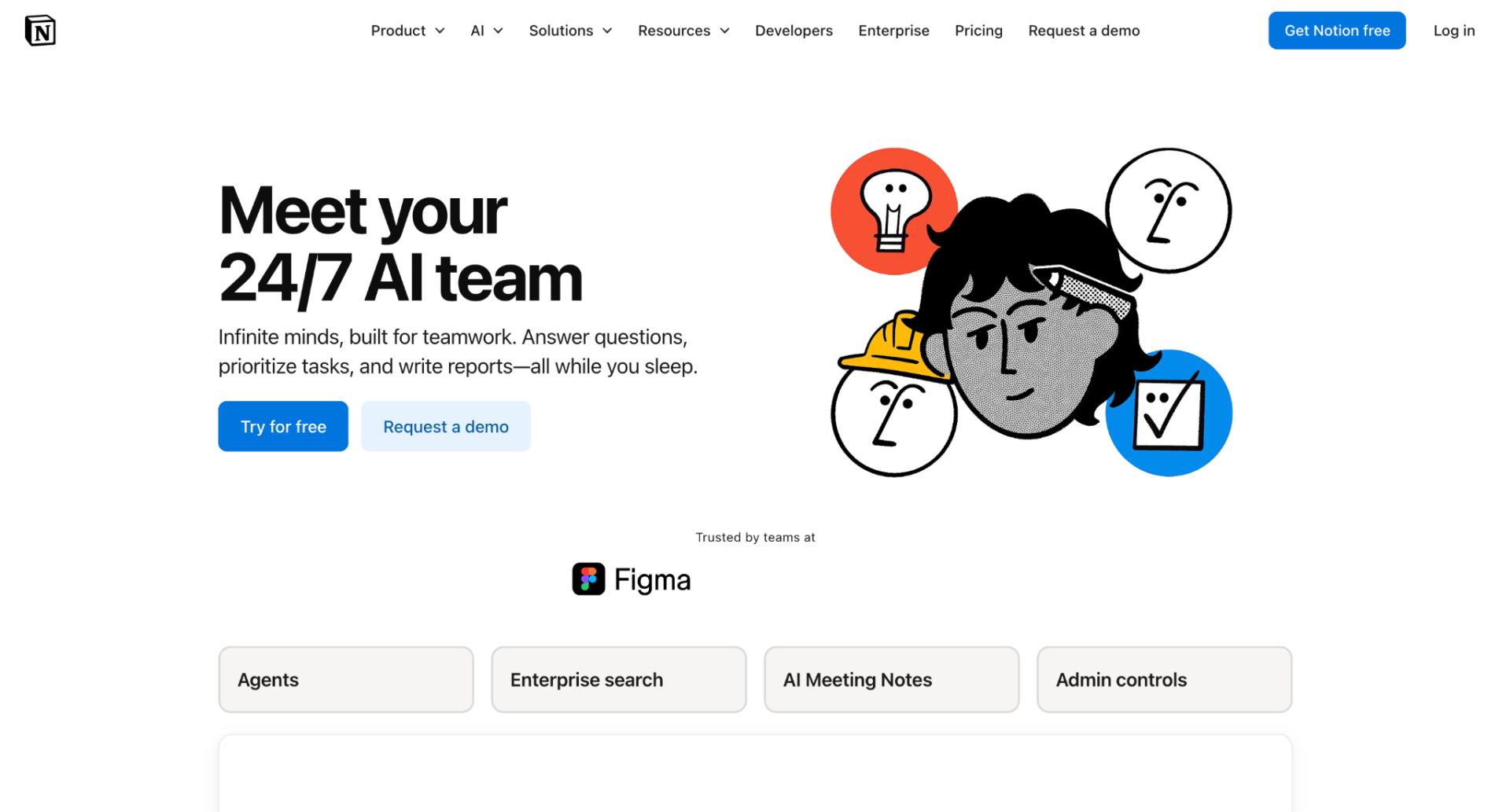
Notion AI is an AI tool built inside Notion that helps me plan, write, and organize marketing work in one place.
For content and marketing in particular, I find it very useful for turning scattered ideas into clear plans, building structure around campaigns, and keeping everything consistent.
Plan Marketing Workflows with Ease
My favorite way of using Notion AI is as a planning partner when I have too many ideas and need to organize them properly.
I drop in rough notes, half-formed thoughts, and simple goals, then ask it to shape everything into something structured and easy to follow.
Maybe I’m trying to build a content calendar for a campaign. Or I’m mapping out a full marketing strategy from scratch.
Whatever it is, I can just write freely, and Notion AI helps me turn it into organized sections, clear steps, and usable plans without stress.
Pros
- Helps turn messy ideas into clear plans
- Makes it easier to stay organized across projects
- Speeds up content planning and brainstorming
Cons
- Can feel limited if I don’t give enough detail
- Works best when my workspace is already well structured
- Sometimes needs editing to match my exact tone
And… It’s not just my experience. In a recent Reddit thread on r/MarketingAutomation, one marketer specifically mentioned using Notion AI alongside Jasper for organizing campaigns and briefs, exactly the kind of planning work it handles well.
Also Read: How to Use AI for Marketing Your Business in Nigeria
5. Grammarly
Best for Professional Business Communication
Pricing: Free plan available; Premium from $12 per month
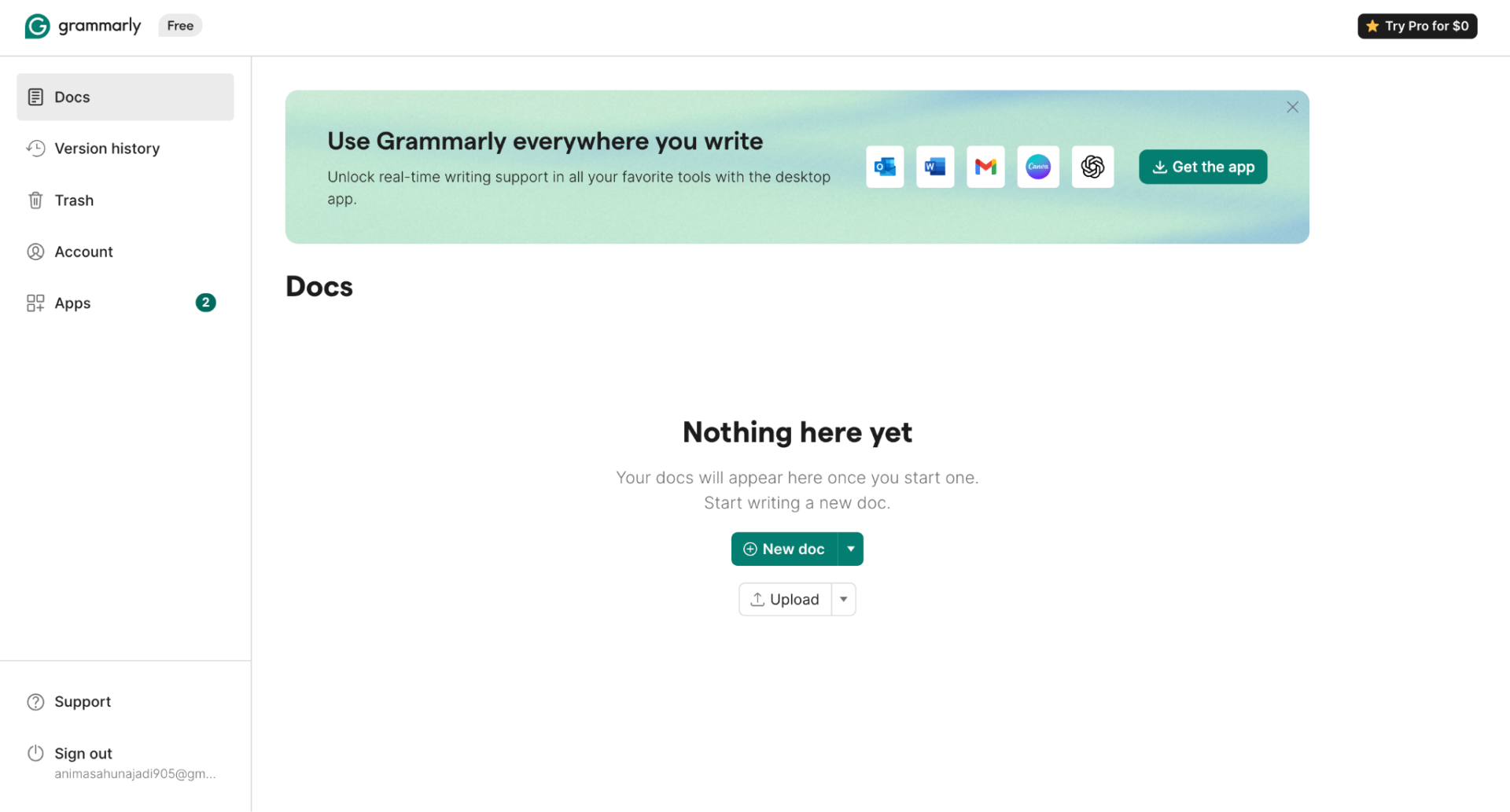
Grammarly is an AI-powered writing tool. It helps me correct grammar, spelling, punctuation, and tone so my communication sounds clear and professional.
I use this tool every day when writing emails, proposals, and reports.
Improve Everyday Business Writing
My favorite feature is how it improves writing in real time. It catches mistakes as I type and suggests clearer ways to express ideas.
This is especially useful when I need to write fast but still sound professional.
Nigerian Use Case
Sales teams can improve proposals, client emails, and presentations while reducing costly communication errors.
The tool checks my writing and suggests improvements based on clarity, engagement, and tone.
If a sentence sounds too harsh or too casual, Grammarly will recommend a better version.
This helps me avoid misunderstandings and communicate with more confidence.
Key Benefits
- Grammar correction
- Tone recommendations
- Readability improvements
- Professional writing support
If I am writing a sales email to a potential client, Grammarly helps me fix grammar issues and adjust tone so I sound more confident and polite. It also helps me keep the message simple and easy to understand.
Other marketers agree. In a recent Reddit thread on r/MarketingAutomation, one user named Grammarly as one of their daily go-to tools specifically for reviewing social media copy for clients. Simple, but it says a lot about how reliable it is for everyday marketing work.
Pros
- Real-time writing suggestions
- Easy to use across email and documents
- Improves tone and clarity
Cons
- Some advanced features require Premium
- Can sometimes over-suggest changes
- Needs internet for full features
Also Read: How to Advertise Your Business Online in Nigeria
6. Canva AI
Best for Social Media Graphics and Branding
Pricing: Free and Paid Plans; Pro plan is ₦44,000/year for one person
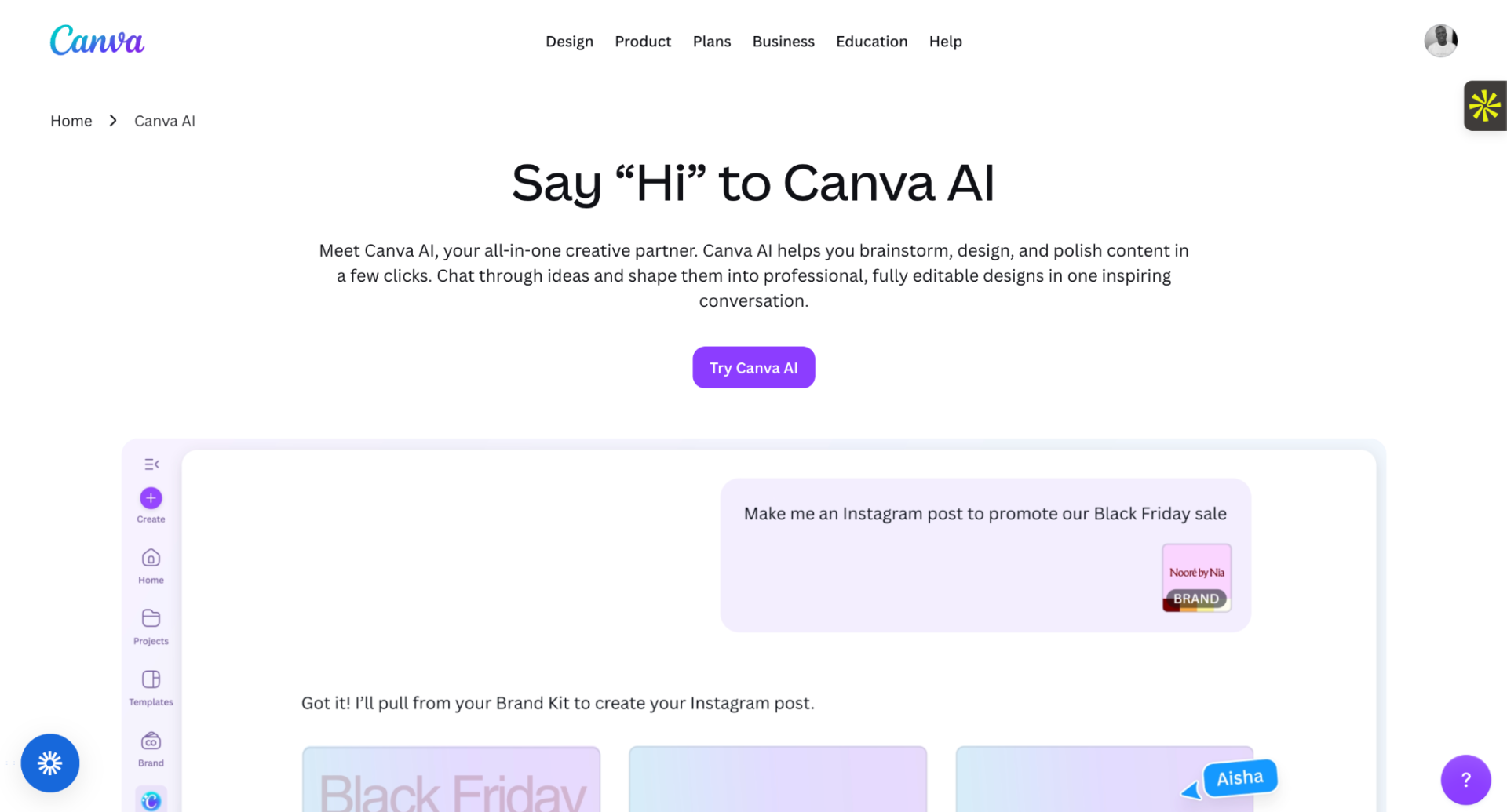
Canva AI is a design tool. It helps me create professional-looking graphics for social media, branding, and marketing without needing advanced design skills.
I use Canva AI when I need fast, clean visuals for content, ads, or brand work without spending hours on design tools.
Here’s how:
Create Social Media Graphics in Minutes
With Canva AI, I can quickly generate designs for different platforms, including:
- Instagram posts
- Facebook banners
- TikTok covers
- YouTube thumbnails
- Story templates
This helps me move faster when I need to publish content regularly without stressing over design skills.
Or when I want to test different visual ideas for a campaign.
Build Brand Materials Easily
Canva AI also helps me create consistent brand assets at a glance:
- Logos
- Color-based templates
- Business cards
- Flyers
- Pitch presentations
This makes it easier to keep a consistent look across all content, even when I am creating things quickly.
It also helps me maintain a professional appearance for small businesses and personal projects.
AI-Powered Design Assistance
Canva AI supports me with smart design features like image generation and layout suggestions. It can turn simple ideas into ready-to-use visuals.
This is useful when I do not have images ready or when I need fresh creative directions for a campaign.
It also helps me speed up the process of creating multiple variations of the same design.
Nigerian Use Case
Local restaurants, fashion brands, and retail stores can use Canva AI to create eye-catching promotional graphics for Instagram, Facebook, and TikTok without hiring a designer.
Key Benefits
User-friendly design tools
- AI image generation
- Thousands of ready-made templates
- Strong brand consistency features
Pros
- Easy to create professional designs quickly
- Great for social media and branding content
- Helps maintain consistent brand style
Cons
- Some advanced features require paid plans
- Too many templates can feel overwhelming at first
- An internet connection is needed to use most features
7. Pictory
Best for Turning Blog Posts Into Videos
Pricing: Starter plan is $25 per month, billed annually
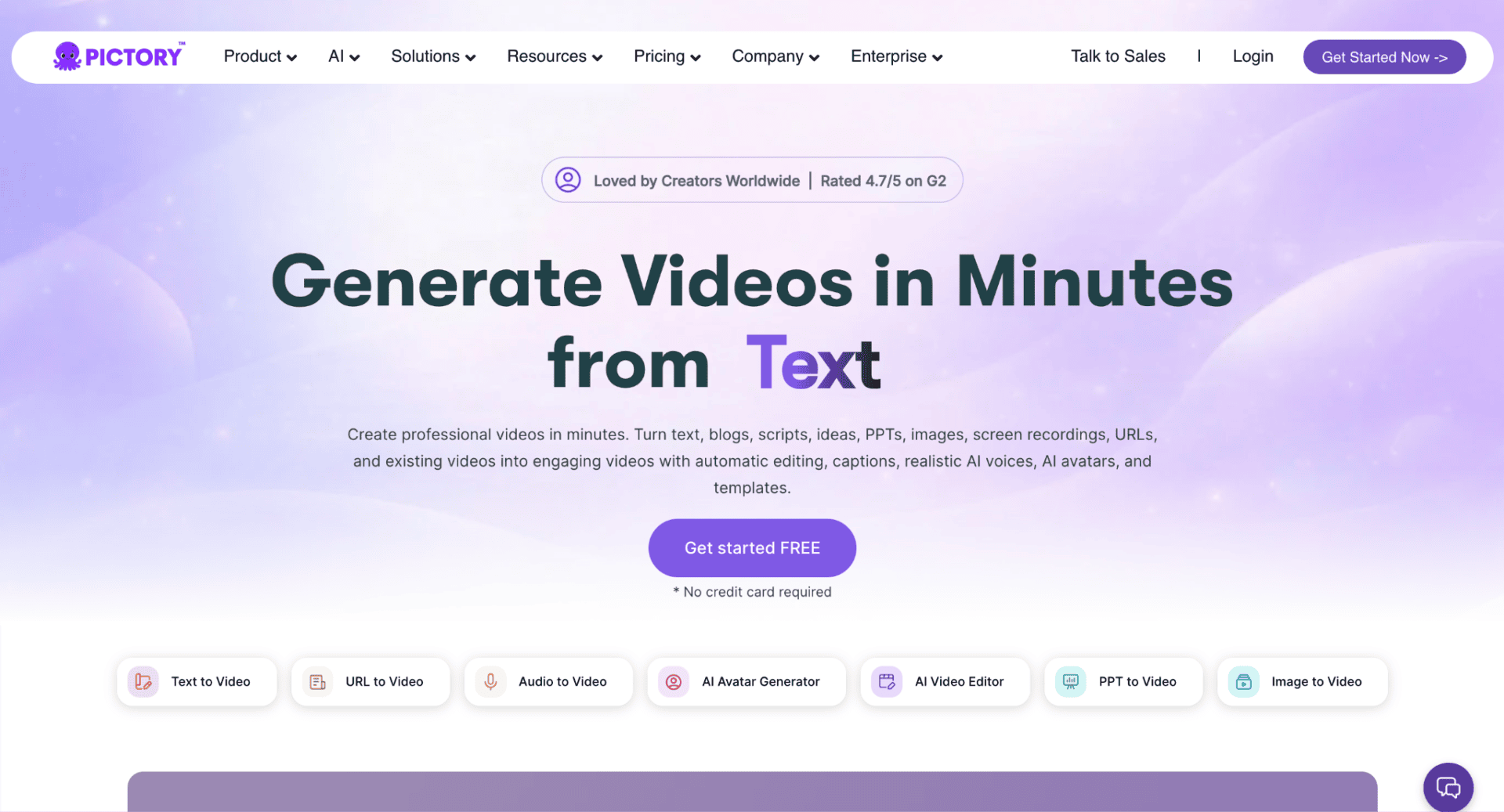
Video content consistently generates higher engagement than text alone.
Pictory helps me convert blog posts and articles into engaging videos that I can share across social media platforms. It takes written content and turns it into simple, watchable videos in just a few steps, which makes content creation much faster for me.
Turn Blog Posts Into Videos
Pictory makes it easy for me to reuse written content without starting from scratch.
Here are a few things I can do with it:
- Paste a blog post or article link and convert it into a video automatically
- Turn long-form content into short, engaging clips
- Choose visuals that match the topic of my content
- Quickly create videos without editing experience
Get Automated Captions and Voice Support
Pictory also helps me make videos more engaging and accessible.
The tool handles things like:
- Auto-generated captions for spoken or written content
- Simple voiceover options to match video narration
- Text highlights that improve viewer attention
- Clear formatting that keeps videos easy to follow
Repurpose Content for Social Media
One of the strongest parts of Pictory is how it helps me get more value from a single piece of content.
I can take one blog post and turn it into multiple videos for different platforms. This makes it easier for me to stay consistent without always creating new content from scratch.
Nigerian Use Case
A business that regularly publishes educational blog posts can turn those articles into short-form videos for social media. This helps them reach more people who prefer watching videos instead of reading long text.
Key Benefits
- Blog-to-video conversion
- Automated captions
- Faster video production
- Content repurposing
Pros & Cons
| Pros | Cons |
| Helps turn written content into engaging videos quickly | Limited creative control compared to advanced editing tools |
| Makes content easier to reuse across multiple platforms | Some templates can feel repetitive over time |
| Saves time in video creation | Requires an internet connection for processing |
Also Read: How to Generate Leads for Your Business in Nigeria
8. Lumen5
Best for Short-Form Marketing Videos
Pricing: Basic plan is $19 USD per month, billed yearly
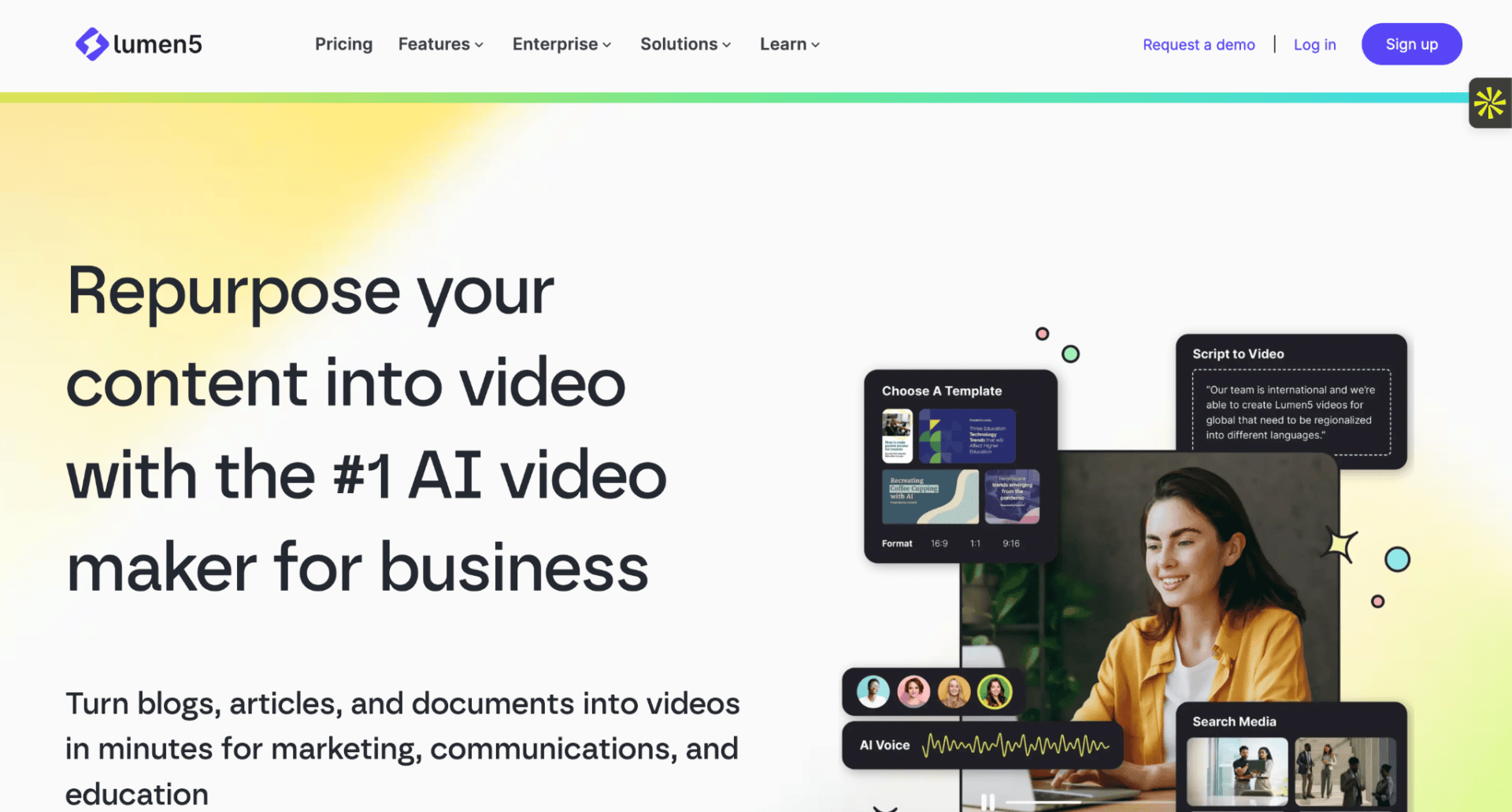
Lumen5 is an AI-powered tool that helps me turn written content into short, engaging marketing videos without needing advanced editing skills.
I’ve used Lumen5 to quickly convert blog posts, scripts, and ideas into mobile-friendly videos that are ready for social media. It has made video creation much simpler and faster for me, especially when I need content in a short time.
Standout features include AI script-to-video conversion, mobile-first formatting, brand customization, and fast video production.
Turn Written Content into Videos Automatically
Lumen5 takes my written content and automatically transforms it into video scenes with visuals, music, and captions. It saves me time because I do not need to start editing from scratch.
My favorite thing is how it builds a full video draft in minutes based on a simple script or blog link. It gives me a strong starting point that I can easily adjust.
For instance, if I paste a travel blog about “beach destinations,” Lumen5 can automatically create a video with clips, text overlays, and transitions.
In other words:
My written content quickly becomes a ready-to-share video.
Create Mobile-Ready Marketing Videos
I also like how Lumen5 focuses on mobile-first videos. Most of the videos are already formatted for social platforms, so I do not need extra resizing or editing.
Let’s say a travel company wants to promote tour packages. They can turn destination guides into short promotional videos that are perfect for social media ads and reels. This makes it easier to reach audiences who watch content mostly on their phones.
This helps me publish content faster and keep up with daily posting needs without stress.
Build Consistent Brand Videos Faster
One feature I find very useful is how Lumen5 helps me repurpose old blog posts and articles into new video content. It gives old content a fresh format that can reach new audiences.
For example, if I have an old post about travel tips, I can turn it into a short video with updated visuals and branding in just a few clicks.
This makes it easier for me to keep content active without always creating something new from scratch.
Pros
- Turns text into videos quickly with AI support
- Mobile-first videos ready for social platforms
- Easy brand customization and templates available
Cons
- Limited advanced editing control compared to professional tools
- AI-generated visuals can sometimes feel repetitive
- Best results still require small manual adjustments
Also Read: GEO: How Businesses in Nigeria Can Get Found by AI in 2026
9. ManyChat
Best for WhatsApp and Instagram Automation
Pricing: Free plan available; paid plans for advanced automation. Essential plan is $14/month

ManyChat is a conversational automation platform that helps me connect with customers across messaging apps and respond instantly without being online all the time.
Instead of replying to every message manually, I can set up automated conversations that guide people, answer questions, and keep engagement active 24/7.
What’s especially powerful is how it turns simple chats into structured conversations that can help move someone from interest to purchase with very little friction.
Automate Conversations Across WhatsApp and Instagram
ManyChat allows me to build automated chat flows that respond to customer messages, capture leads, and guide users through simple decision paths. This is especially useful when I want to stay responsive without being available every minute of the day.
When I set up ManyChat for my business, I can create different message paths based on what a customer asks. For example, someone asking about pricing can automatically receive product details, while someone asking for support gets help steps right away.
Note:
Setting up automation does not guarantee more sales immediately. The quality of my message flows and how well I understand customer needs determines the results I get.
Pro tip:
Keep conversations simple and direct. I get better results when I avoid long messages and instead guide users step by step toward what they want.
Track Your Conversations and Performance
After setting up my automations, ManyChat lets me track how conversations are performing through different stages:
- Started: A user triggered the automation
- Engaged: The user is actively responding in the flow
- Converted: The user completed a goal action like a purchase or signup
- Exited: The user left the conversation before completing the flow
This makes it easier for me to understand what is working and where I need to improve my messaging.
Pros
- Automated responses across WhatsApp and Instagram
- Helps qualify leads automatically
- Improves customer support speed
- Advanced features may require paid plans
Cons
- Requires setup time to build effective flows
- Can feel impersonal if not written carefully
- Results depend on how well messages are designed
- Creates more sales opportunities
Also Read: 15 Marketing Ideas for Small Nigerian Businesses [Examples Included]
10. AdCreative AI
Best for AI-Powered Ad Creatives
Pricing: Starter plan is $20 per month, billed annually on a 50% off
AdCreative AI is a tool for creating ad creatives with artificial intelligence.
I like how AdCreative AI removes the guesswork from designing ads. It helps me generate conversion-focused creatives in minutes, making it easier to launch and test campaigns faster.
Here’s how:
Create High-Converting Ad Creatives
Enter information about your product, service, or campaign.
AdCreative AI quickly generates multiple ad creatives optimized for popular advertising platforms, including Facebook, Instagram, and Google Ads.
Test Multiple Ad Variations Faster
Once the creatives are ready, AdCreative AI makes it easy to experiment with different designs and messaging.
This allows me to compare multiple ad variations and identify the ones most likely to drive results.
Improve Campaign Performance
As I run campaigns, AdCreative AI helps me create new creatives quickly without starting from scratch.
This makes it easier to optimize campaigns, improve efficiency, and focus more on strategy instead of design work.
Pros & Cons
| Pros | Cons |
| Generates ad creatives quickly | AI-generated designs may require minor edits |
| Creates conversion-focused ad designs | Best results depend on the quality of the input provided |
Also Read: 7 Ways to Find Related Content Ideas Beyond SEO Tools
11. PhotoRoom
Best for E-Commerce Product Photography
Pricing: The pro plan is NGN 1,242 per month/billed annually
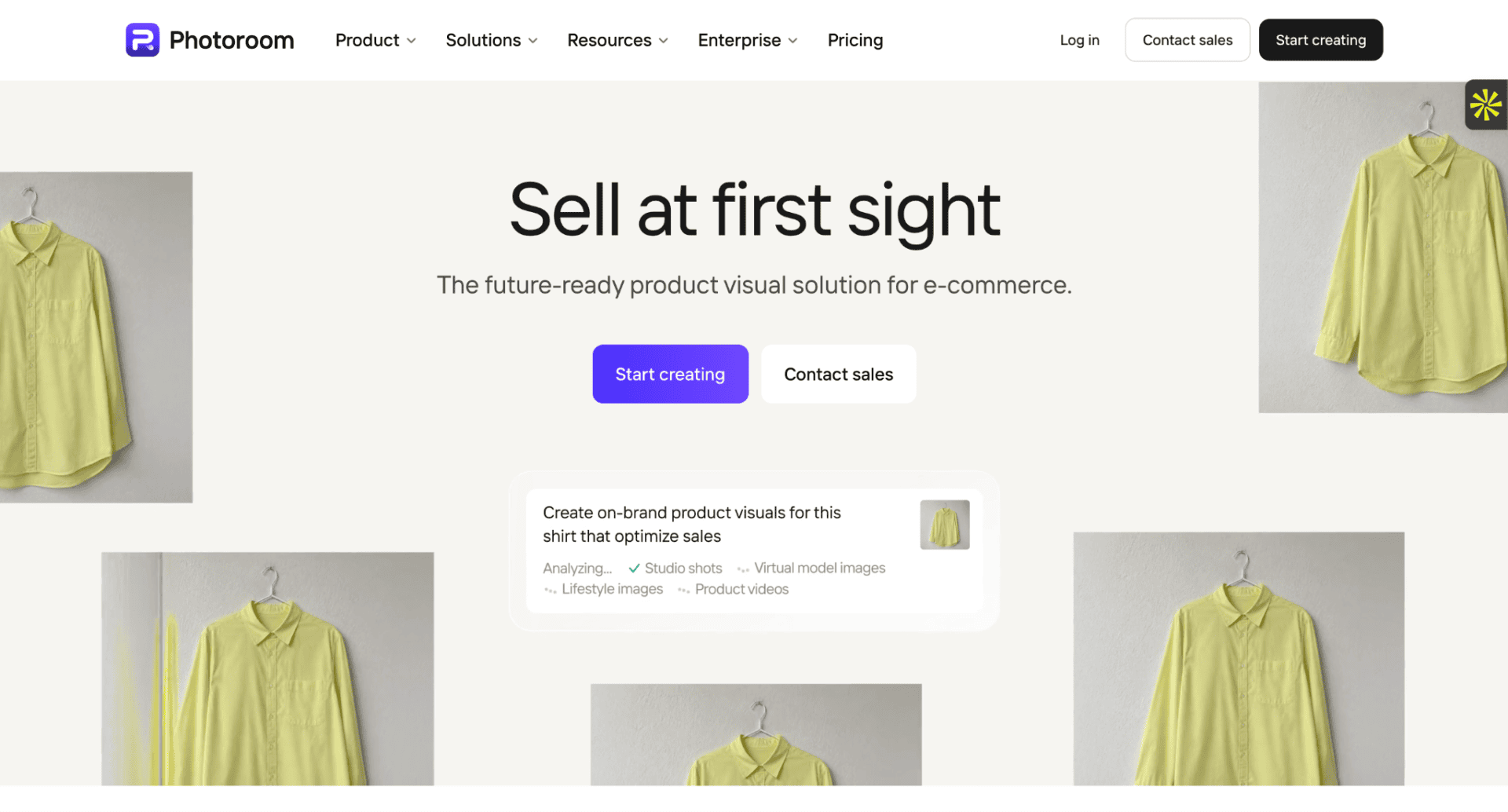
PhotoRoom is a product photography tool. It helps me turn simple product images into clean, professional-looking photos by removing backgrounds and improving visual quality. This makes products look more trustworthy and ready for online selling.
Here’s how I like to use it:
Improve Product Photos
When I work with online sellers, I notice that product images often decide whether a customer buys or scrolls away. Clear and clean visuals build trust fast, especially on mobile-first platforms where attention is short.
For example, let’s say I run a small online store selling fashion items or phone accessories. I can take a basic photo with my phone and quickly turn it into a studio-style image using PhotoRoom:
Here’s what I can do with these results:
Create product listings: Upload clean images to platforms like Shopify, Jumia, or Instagram Shops to improve conversion rates
Upgrade existing photos: Replace messy backgrounds with simple white or branded styles that look more professional
Build a consistent brand look: Make all product images follow the same style so the store looks more organized and trustworthy
Save costs: Avoid expensive studio photography while still getting high-quality visuals
Key Benefits
- Background removal
- Product enhancement
- Marketplace-ready visuals
Pros
- Easy to create professional product images in seconds
- Helps increase sales by improving product presentation
Cons
- Advanced editing features may require a paid plan
- Best results still depend on the original photo quality
Also Read: How To Use Reddit For Niche SEO Keyword Research
12. DALL·E 3
Best for Custom Marketing Visuals
Pricing: $20 per month (via ChatGPT Plus)
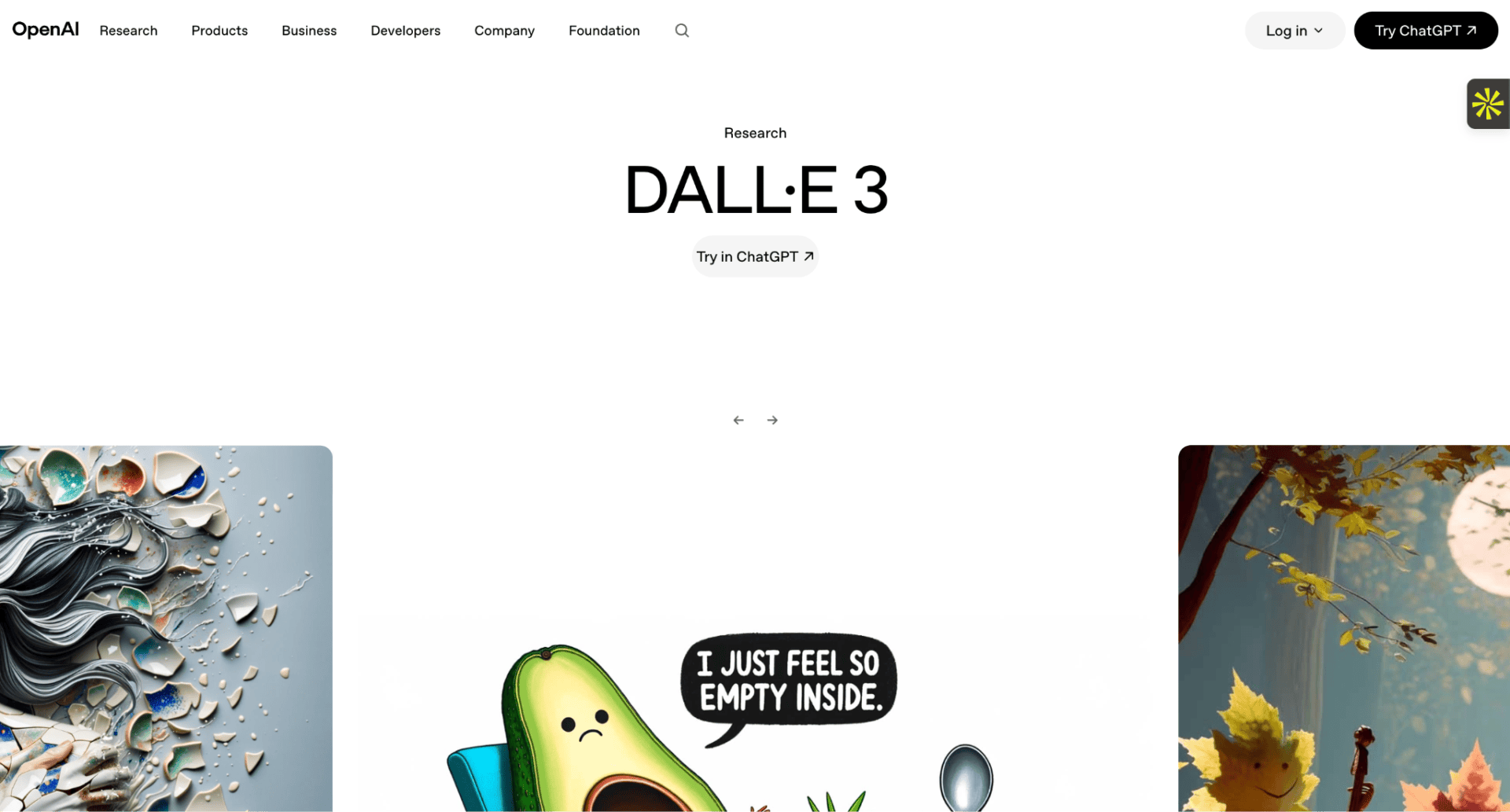
DALL·E 3 is an AI image generator that creates unique visuals from simple text descriptions. You get creative flexibility, fast concept development, and original images built around your exact campaign needs.
For businesses tired of using the same stock photos as everyone else, it is a powerful way to stand out.
Generate Custom Campaign Visuals
DALL·E 3 lets you create original marketing images by simply describing what you want. This means you no longer need a designer or a big production budget to get visuals that feel fresh and on-brand.
Imagine you run a small business and you want to promote a new product for the holiday season. You would type something like “a vibrant product display with festive decorations and warm lighting” into the prompt box.
The tool then generates several image options based on your description. You can refine the prompt until the image matches your vision exactly:
This gives you full creative control. Then, you can use those visuals across your social media, ads, and website.
Speed Up Your Creative Process
Instead of waiting days for a designer or scrolling through stock photo sites, DALL·E 3 produces ready-to-use images in seconds.
Let me say you are launching a new product and need a banner for your campaign. You could describe the mood, colors, and style you want, and get multiple visual options instantly.
This helps you move faster, test more ideas, and spend less on creative production.
Pros & Cons
| Pros | Cons |
| Creates unique visuals without needing design skills | Generated images may sometimes need manual editing for brand accuracy |
| Saves time and reduces creative production costs | Realistic human faces and text in images can still be inconsistent |
Also Read: How to Rank Your Business for ‘Near Me’ Searches in Nigeria
13. Zapier
Best for Workflow Automation
Pricing: Free plan available; The pro plan starts from $19.99/month
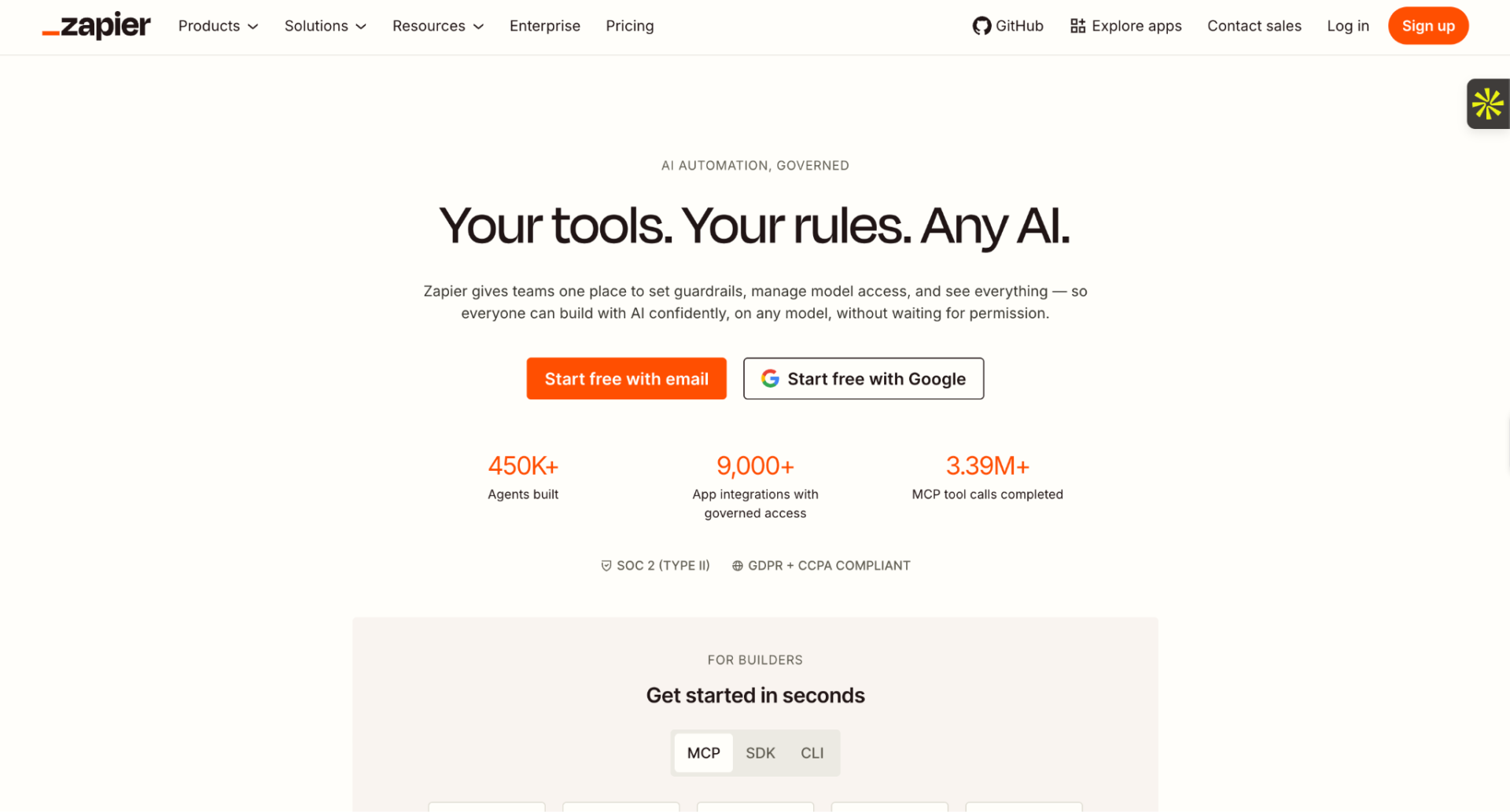
Zapier has been one of the most reliable automation tools for growing businesses for years. Connecting apps, moving data between platforms, triggering actions automatically, it handles the repetitive work so you can focus on what actually grows your business.
What makes it even more useful is how simple it is to set up. You do not need to write a single line of code. If two apps need to talk to each other, Zapier almost certainly makes that happen.
Stop doing manually what a machine can do for you.
Automate Your Lead Management
Zapier’s workflow builder is my go-to for removing bottlenecks between tools.
It helps me connect platforms that would otherwise work in isolation. And it makes sure no lead, task, or update ever falls through the cracks.
Let’s say you run a business and you collect leads through a Facebook lead form.
Without automation, someone has to manually copy each lead into your CRM. Then copy it again into your email marketing platform. Then remember to follow up.
With Zapier, that entire process runs on its own the moment a new lead comes in:
The lead lands in your CRM automatically. A welcome email goes out without you lifting a finger. And your team gets notified instantly.
I can then check which steps in my workflow are running smoothly and which ones need adjusting inside the Zapier dashboard.
If a business is losing leads because of slow manual processes, Zapier fixes that problem quietly in the background.
Connect Your Tools Without a Developer
This tracks with what other marketers are finding, too. In a recent Reddit thread on r/MarketingAutomation, one user called Zapier’s AI co-pilot ‘very helpful’ for automations, especially for people who are not technically savvy. Another described Zapier as part of the ‘automation backbone’ of their entire marketing stack — paired with Make for more complex workflows.
Zapier also helps you link over 7,000 apps together without needing technical skills or an IT team to set things up.
A growing number of businesses rely on multiple tools at the same time. Managing them separately wastes hours every week.
If you are running a small or growing business, Zapier lets you build automations called “Zaps” that handle tasks like:
- Moving new orders from your store into a spreadsheet
- Sending a Slack notification when a payment is received
- Adding new email subscribers to your CRM automatically
- Creating tasks in your project tool when a form is submitted
It also learns your most common workflows over time, surfacing suggestions that help you automate even more of your day.
Zapier does not just connect your apps. It connects your entire operation.
Build Smarter Business Systems
I also rely on Zapier’s multi-step workflows for more complex automations. This helps me chain several actions together so one trigger sets off an entire process.
For example, when a customer fills out a contact form on my website, Zapier can simultaneously add them to my CRM, tag them based on their interest, send them a personalized email, and notify my sales team, all at once.
This tells me that my business is running even when I am not actively working.
Each workflow also breaks down into individual steps I can edit, pause, or replace at any time.
These are the kinds of systems that separate businesses that grow from businesses that stay stuck.
Pros & Cons
| Pros | Cons |
| Connects over 7,000 apps without writing any code | Complex multi-step workflows can take time to set up correctly |
| Removes manual, repetitive tasks from your daily routine | Advanced features require higher-tier paid plans |
| Easy to build automations even without technical skills | Some app integrations have limited trigger and action options |
| Saves hours every week and reduces the chance of human error | The free plan has limited Zaps and slower update times |
Also Read: Content Marketing in Africa: What Businesses in Nigeria Should Know
14. HubSpot AI
Best for Customer Relationship Management
Pricing: The pro plan is $45/month per seat, billed annually
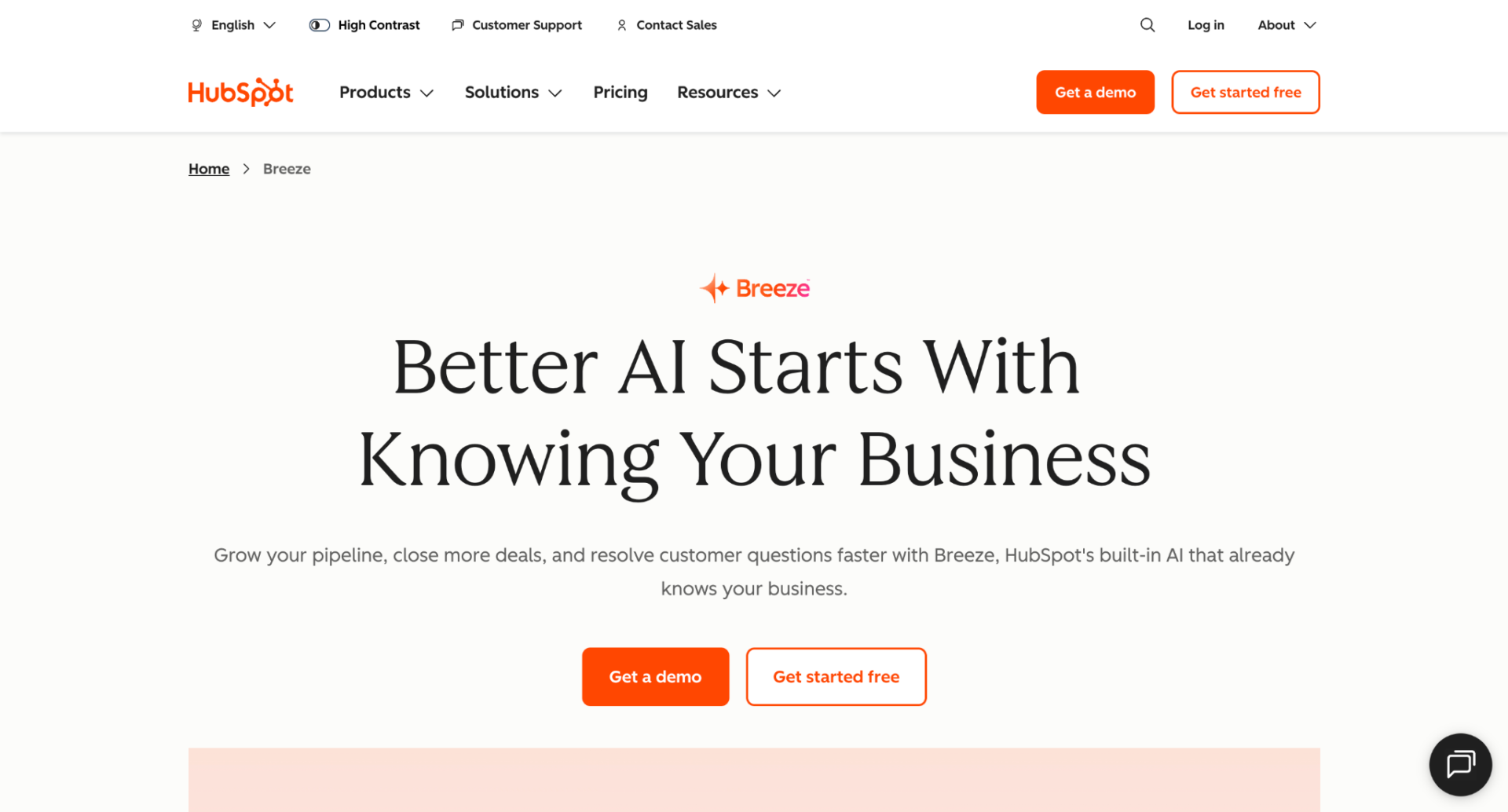
HubSpot AI is a smart CRM platform. It gives you a complete view of your customers, your sales pipeline, and your marketing performance, all in one place.
I use HubSpot AI when I want to manage customer relationships and run marketing campaigns without juggling five different tools.
Here’s how:
Manage Every Customer Interaction in One Place
With HubSpot AI, you can track every touchpoint a customer has with your business, including:
- Contact details and history
- Emails sent and opened
- Deals and their current stage
- Tasks and follow-up reminders
- Notes from calls and meetings
This saves me time when I need to understand where a customer is in the buying journey.
Or for quickly picking up a conversation exactly where it stopped.
Segment Your Audience and Personalize Your Campaigns
HubSpot AI also lets you group your contacts based on their behavior, interests, or stage in your funnel:
This quick overview helps you send the right message to the right people. You will also see how different audience segments respond to your emails and offers. And it can help you spot gaps in your follow-up process to identify leads you may have let go cold.
Automate Your Sales and Marketing Activities
HubSpot AI handles repetitive tasks that eat into your day, like sending follow-up emails, assigning leads to your team, and updating deal stages automatically.
This is very useful for staying on top of every lead without manually tracking each one. Or for running a full email nurture sequence without touching it every day.
Pros & Cons
| Pros | Cons |
| Free CRM with genuinely useful features built in | Advanced automation features require a paid plan |
| Manage contacts, deals, and campaigns from one dashboard | It can feel like a lot to set up for a brand-new user |
Also Read: Digital vs Traditional Marketing in Nigeria: 2025 & Beyond
15. Instantly.ai
Best for B2B Lead Generation
Pricing: From $37.6 per month, billed yearly
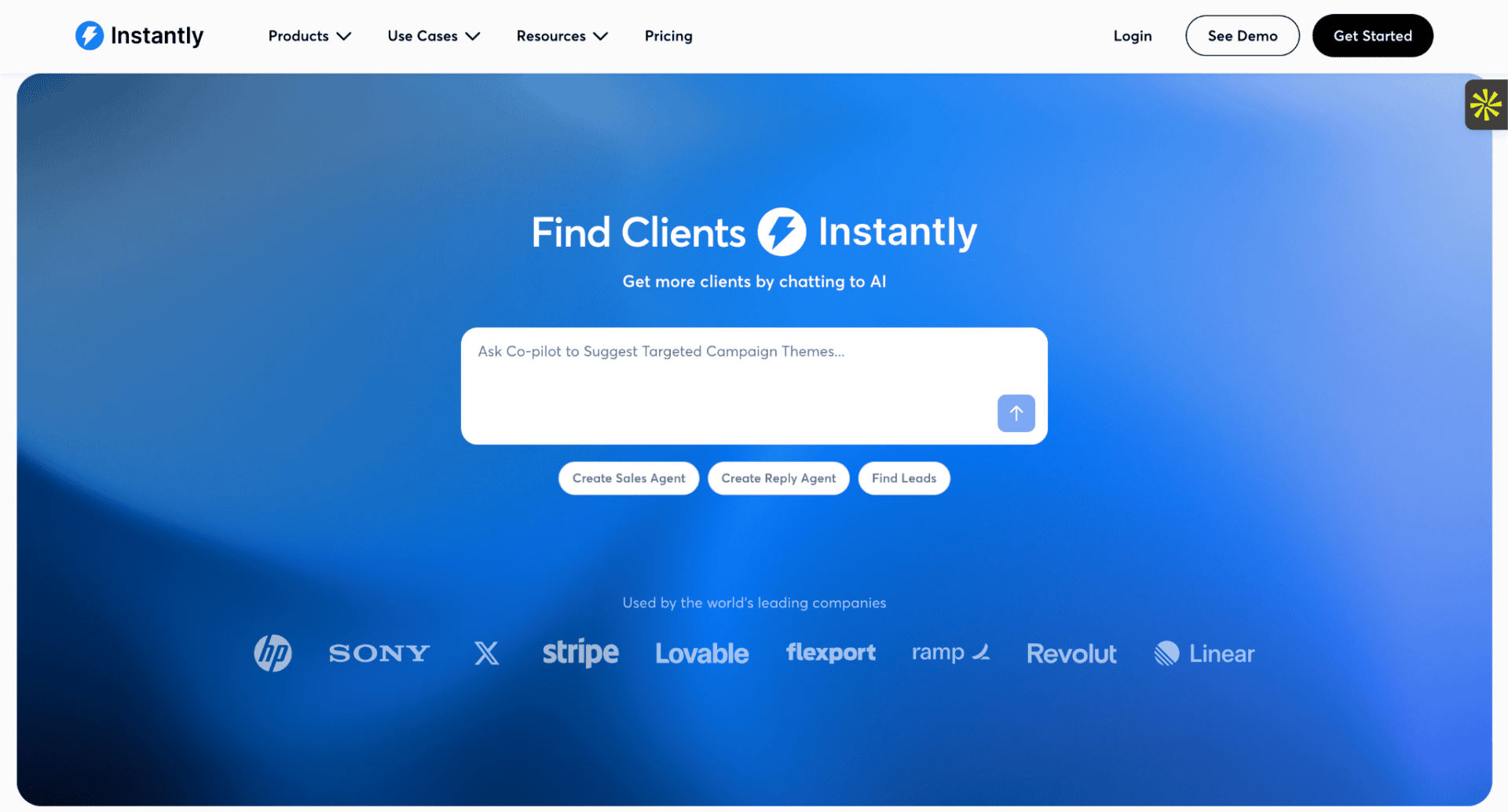
Instantly.ai is a tool for cold email outreach and lead generation.
And this is not just my view. In a recent Reddit thread on r/MarketingAutomation, one marketer said Instantly is the only outreach tool that does not feel like it is trying too hard — it just sends emails at scale and doesn’t break your inbox.’ For anyone doing cold outreach seriously, that kind of reliability matters more than flashy features.
Instantly.ai takes the stress out of finding prospects, writing emails, and following up manually. It automates the entire outreach process, so you can generate qualified leads at scale without burning out your team.
Here’s how:
Find and Target the Right Prospects
Type in your ideal customer profile to search for matching leads.
You will quickly build a list of qualified prospects, complete with verified contact details and business information, ready for outreach.
Send Personalized Emails at Scale
Once you have your prospect list, Instantly.ai helps you reach them.
It lets you write personalized email sequences and automate follow-ups based on how each prospect responds:
Once your campaigns go live, you can track exactly how they are performing. Specifically, you can monitor open rates, reply rates, and which subject lines get the most responses:
This makes it easy to see what is working and what is not, so you can improve every campaign you run going forward.
Pros & Cons
| Pros | Cons |
| Automates cold email outreach from start to finish | Takes some time to fully configure for first-time users |
| Keeps your emails landing in inboxes, not spam folders | Best results require warming up your email accounts first |
Also Read: 10 Digital Marketing Strategies for Businesses in Nigeria
How to Choose the Right AI Marketing Tool
Picking the right AI tool comes down to one thing:
What your business actually needs right now.
At its core, every business has different priorities. So instead of chasing every new tool, I match each one to a specific goal. That way, nothing gets wasted, and everything pulls its weight.
Here is how I think about it:
- Semrush for SEO and AI search visibility. It tracks how your brand shows up in search and inside AI-generated answers across major platforms.
- Copy.ai and Jasper AI for content creation. Both tools help you produce well-written content faster, without starting from a blank page every time.
- Canva AI, Pictory, and Lumen5 for social media marketing. They help you design graphics and create short videos quickly, even without a creative team.
- Zapier, ManyChat, and HubSpot AI for automation and customer management. These tools handle the repetitive work, so your team can focus on things that actually need human attention.
- Instantly.ai for B2B lead generation. It runs your cold email outreach automatically and helps you reach the right prospects at scale.
- The smartest move is not to adopt every tool at once. Start with the one that solves your biggest problem today, get comfortable with it, and then expand your stack as your business grows.
One more thing worth keeping in mind. In a recent Reddit thread on r/MarketingAutomation, one marketer put it bluntly: “Half of these tools promise the moon but deliver like a rock.” The ones that actually stick, they said, are the ones that solve the boring parts of the work (research, drafting, outreach) rather than promising overnight rankings or magic results. That is exactly the standard I used when building this list.
Final Thoughts
There are obviously many AI marketing tools out there. But these are the ones I recommend starting with.
A solid all-in-one tool like Semrush is a strong foundation, as it lets you handle SEO, content, and AI visibility tracking from one place.
But beyond that, you can layer in specialized tools as your business grows and your needs become clearer.
What I know for certain is this: AI is no longer something to think about later. Businesses that start using these tools today will save time, cut costs, and reach more customers than those who wait.
Semrush stands out to me above the rest. Not just for traditional SEO, but because it helps you track how your brand appears inside AI platforms like ChatGPT and Gemini. As more people skip Google and go straight to AI for recommendations, showing up in those answers is quickly becoming just as important as ranking on a search results page.
For businesses looking to grow in 2026 and beyond, putting money into the right AI marketing tools is not an expense. It is one of the smartest investments you can make right now.
One insight from a recent Reddit thread on r/MarketingAutomation is worth holding onto before you dive in: even the best AI tools will not move the needle if you are not working with qualified leads and clean data first. The tools amplify what is already working. They do not fix a broken foundation.